
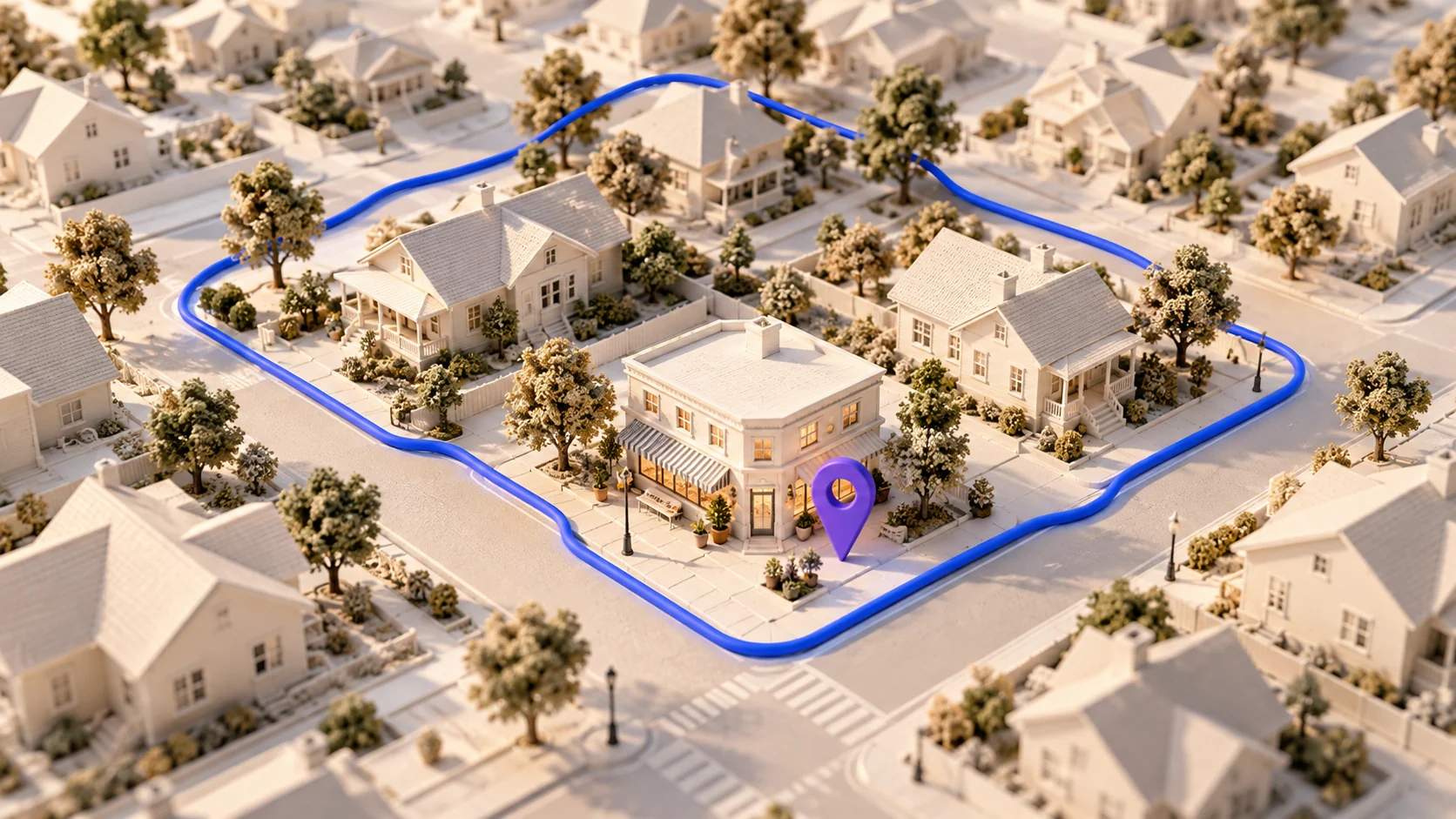
1. Separate an operating location from a service area
Create an internal record of real operating locations and the places your team actually serves. Mark which locations customers may visit and which are not public-facing. Do not imply a staffed branch simply because you can travel to a town. For each service area, ask the operations owner to confirm available services, scheduling constraints and any travel-dependent conditions. Keep private residential or operational details out of the public page unless there is a legitimate, approved reason to publish them. A clear service-area explanation can often handle several nearby places without manufacturing a separate branch page for each one.
2. Use a material-difference test for a new URL
Before creating another city page, write the information a customer there genuinely needs that is absent from the main service page. Useful differences might include a different team, a distinct service selection, a real customer-facing location or documented access arrangements. A swapped city name and a paragraph about local landmarks are weak reasons by themselves. Google identifies doorway abuse as creating similar query-targeted pages that funnel visitors toward a more useful destination. Assess the purpose and usability of the proposed page instead of assuming that every location page is either necessary or prohibited. If no meaningful difference exists, improve the central coverage page.
3. Answer the practical local questions
Structure the page around the customer’s visit or service request. State what can be booked, whether service is delivered at the customer’s premises, how availability is confirmed and which details are needed to assess coverage. Explain exceptional conditions only when they are verified and relevant. Do not publish a response-time promise based on a rough driving estimate. If parking, entry instructions or an appointment requirement matter at a real location, make them easy to find. Keep the content focused on decisions; filling the page with neighborhood names can obscure the actual service information a visitor came to obtain.
4. Keep the website and business profile aligned
Compare the page’s public business name, service description, contact route and hours with the business profiles your team manages. Record discrepancies and assign an owner instead of silently guessing which record is correct. Google’s local guidance stresses complete, accurate business information and current hours; local results also depend on factors beyond an edited page. Confirm the relevant platform’s rules before changing a listing or creating another one. Put holiday hours and temporary availability through the same approval process as the website. Consistency is useful to a customer who moves between a map listing and your site, even when no ranking effect can be established.
5. Work through a hypothetical coverage decision
Imagine a fictional mobile repair business covering several adjacent towns. Its services and booking process are identical across the area, but one town has a recurring collection point with approved opening hours. A central service-area page can explain ordinary home visits, while a separate collection-point page describes that real location and the different handoff process. Creating five nearly identical town pages would add maintenance work without resolving another customer question. This is an illustrative planning exercise, not a client case study. The useful output is the reason for each URL, the source of its operational facts and the person responsible for keeping those facts correct.
6. Review coverage as an operational commitment
Give every local page a review trigger: a service change, branch move, staffing change or updated booking arrangement. Review inquiries that arrive from outside the stated coverage and check whether the page could reasonably have caused confusion. Do not treat every unsuitable inquiry as a content failure, but look for repeated patterns. Verify contact links and navigation on mobile, then make sure related service pages describe the same boundaries. Use Suprara’s website audit worksheet to record page evidence and the headings guide to organize local details. Technical checks support this work; they cannot verify that the business actually operates where its content claims.
Your practical checklist
- Document real locations separately from travel coverage.
- Require a customer-useful difference for each additional page.
- Confirm services, availability and profile details with an owner.
- Remove unsupported branch claims and review recurring confusion.
Frequently asked questions
Apply what you learned
Practice this topic in Academy, then use the worksheet to document the evidence and the change you plan to make.
Sources and further reading
A clearer website starts with evidence.
Get a real public-page scan and a personalized PDF, then use the free worksheet to prioritize your next changes.